
The Plan Details pop-up displays a real-time list of all managers assigned to a compensation plan cycle and their corresponding submission statuses, which is accessed through the Compensation Planning module.
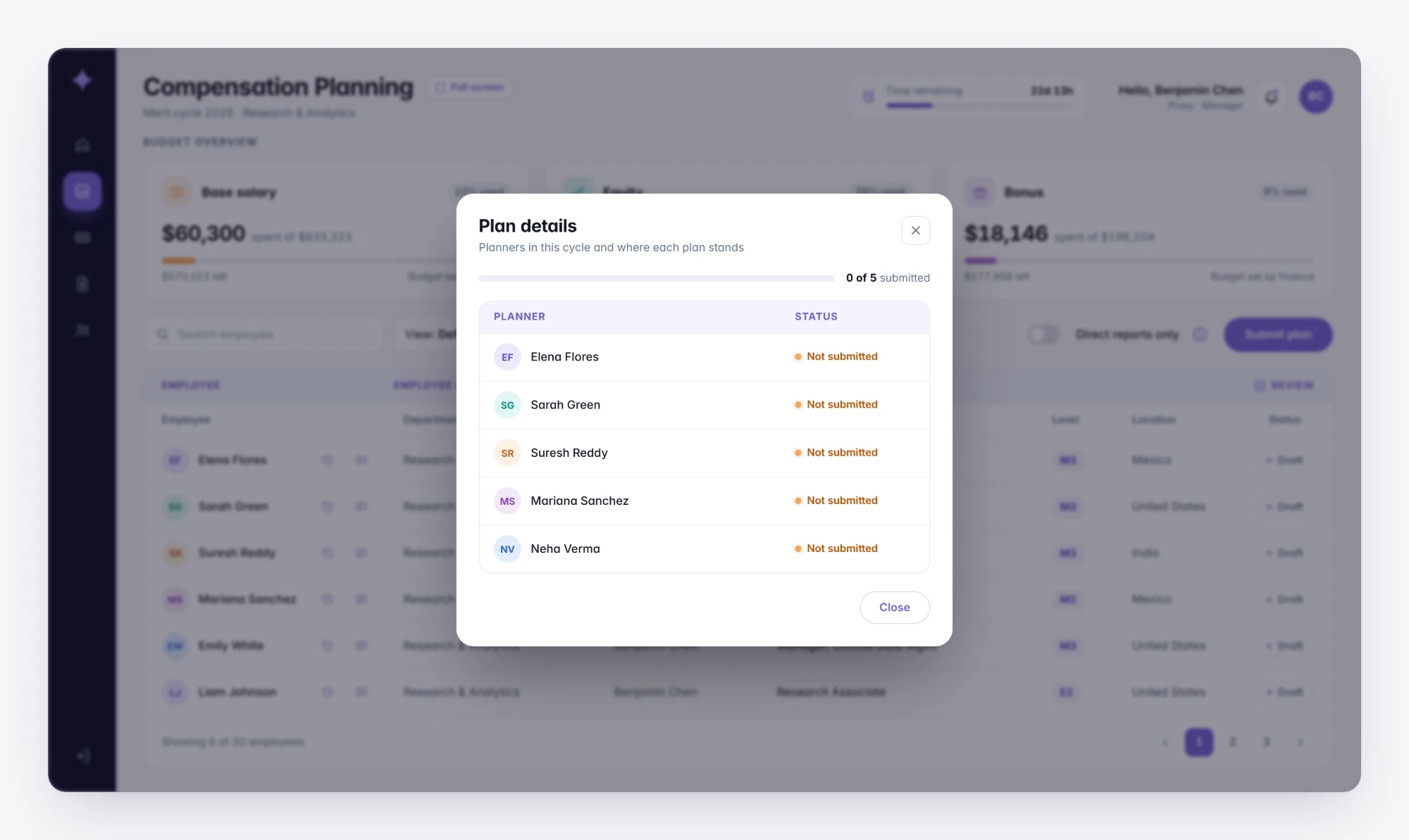
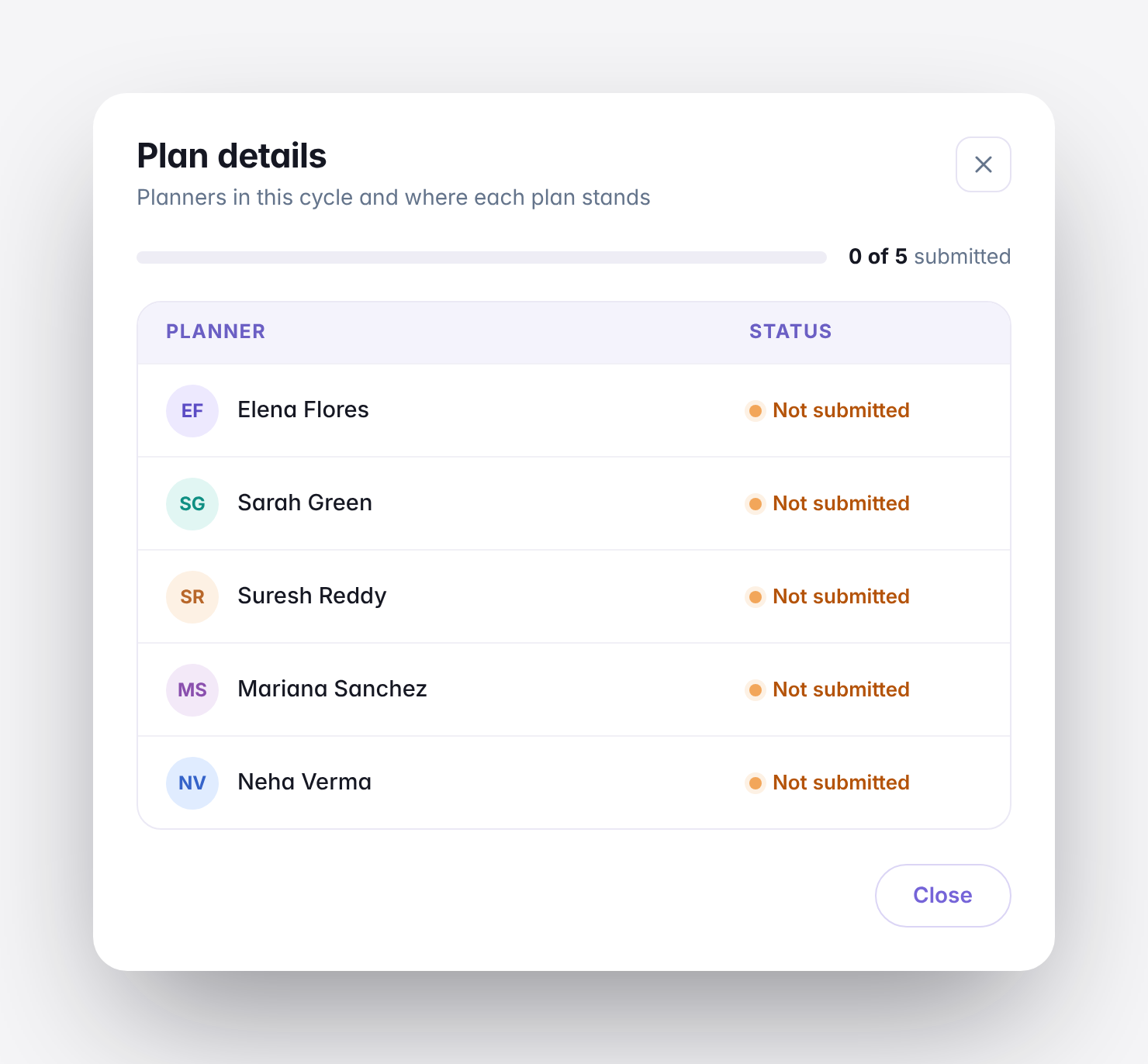
The table includes two columns:
- Planner Name – This is the direct report’s name.
- Status – Reflects the current workflow state of the plan (e.g., Not Submitted, Submitted), updated via backend status flags.
The "Close" button triggers a simple dismiss action without persisting any changes. This component ensures visibility into submission compliance across all planners for the active cycle.